Free Elementor Global Design Kit – Global Colors, Fonts & Styles
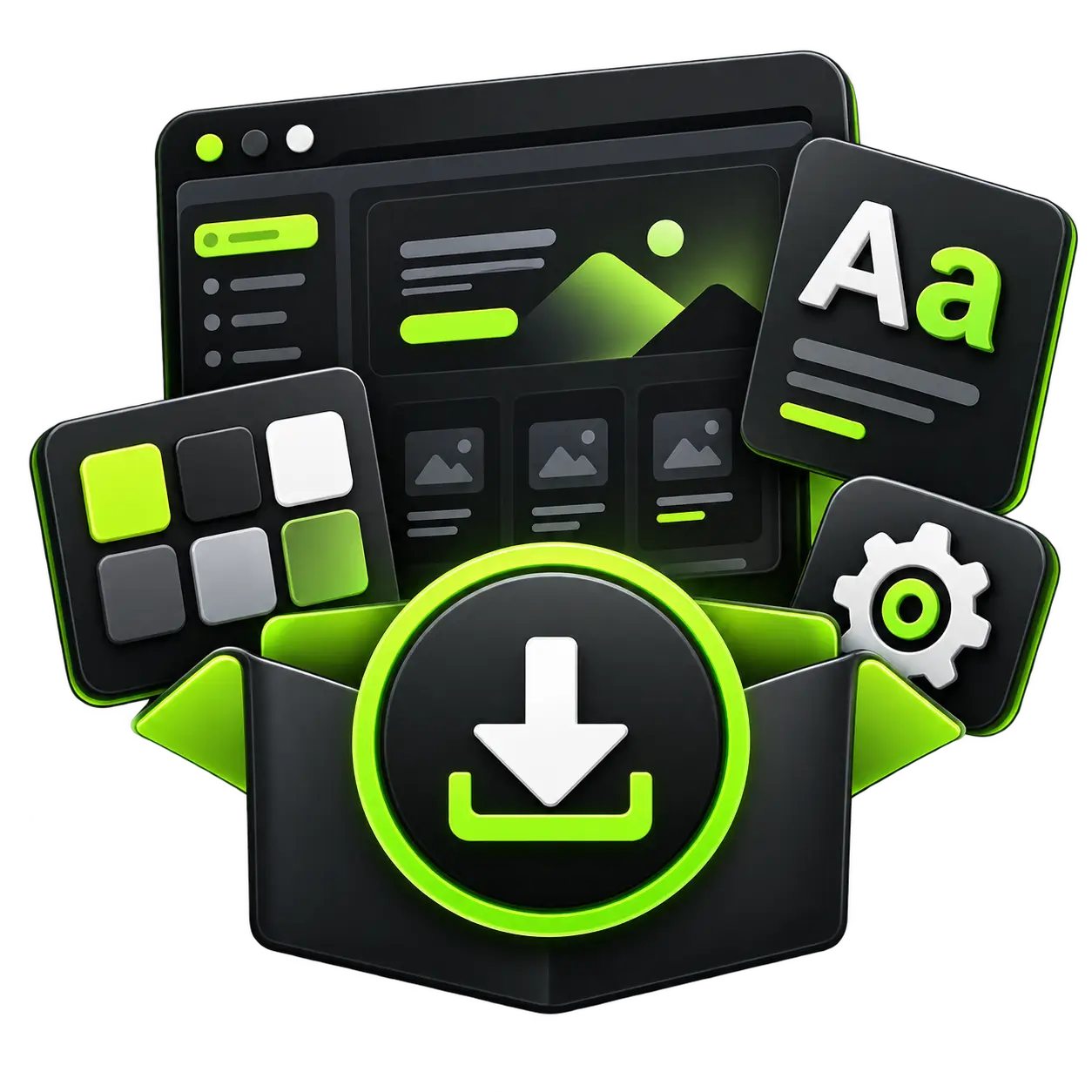
Build your next Elementor website faster with a ready-to-use Elementor Global Design Kit created to give your project a consistent visual foundation from the beginning.
Instead of configuring colors, typography, heading sizes, responsive font settings, buttons, backgrounds, and other design choices individually, you can import the Global Design Kit and start with a structured design system already in place.
The kit includes a modern dark visual style with bright lime accents, professionally configured typography, responsive settings, button styling, layout settings, and reusable Elementor global colors.
It is ideal for WordPress developers, Elementor designers, freelancers, agencies, and website owners who want to save setup time and maintain consistent styling throughout their website.
What Is an Elementor Global Design Kit?
An Elementor Global Design Kit is a collection of site-wide design settings that can be imported into an Elementor-powered WordPress website.
Instead of styling every Elementor widget individually, global settings create a reusable design system that can be applied throughout a website.
Elementor uses global styling for elements such as:
Global colors
Global fonts
Typography
Button styles
Heading styles
Layout settings
Background colors
Responsive typography
Theme styles
Other site-wide design preferences
The advantage is consistency.
For example, if multiple headings use the same global typography setting, you can update that typography from one location rather than editing every heading manually.
Elementor stores global styles as part of the active Elementor kit, allowing pages and widgets to reference the same design values throughout the website.
This makes a global design system particularly useful when starting new Elementor projects or establishing consistent branding across multiple pages.
Download the Free Elementor Global Design Kit
Want to start designing immediately?
Download the free Elementor Global Design Kit below and import the included global styling into your Elementor website.
Free Elementor Global Design Kit
File Type: ZIP
Platform: WordPress
Page Builder: Elementor
Category: Global Design / Site Settings
Cost: Free
The kit contains global site styling and configuration files designed to create a modern visual foundation for Elementor websites.
Important: Always create a WordPress backup before importing Elementor site settings into an existing website.
What Is Included in the Elementor Global Design Kit?
The download focuses specifically on the visual design system rather than complete website pages.
Here is what you can expect.
Global Color Palette
A professionally structured global color palette is included so you can maintain consistent colors throughout your Elementor website.
The main palette uses a modern combination of:
Bright lime accent —
#C9F31DDark charcoal —
#0D0D0DBlack —
#000000White —
#FFFFFFSupporting gray shades
Background variations
Border colors
Transparent and opacity-based colors
The bright accent against the dark base works particularly well for:
Digital agencies
SEO websites
SaaS websites
Technology businesses
Creative portfolios
Web development agencies
Marketing companies
Startup websites
You can modify these colors after importing the kit to match your own brand.
Because they are configured as global colors, updating a global value can update Elementor elements that reference that color throughout the website.
Global Typography System
Typography is one of the most important parts of a professional website design.
This Elementor Global Design Kit includes a predefined typography hierarchy designed to create a clear distinction between headlines, subheadings, body text, navigation elements, and buttons.
The primary font families used in the kit include:
Poppins
Montserrat
The design system contains styles suitable for:
Hero headings
H1 headings
H2 headings
H3 headings
H4 headings
Paragraph text
Navigation
Buttons
Supporting text
Large display typography
The largest display typography can reach approximately 150px on suitable desktop layouts, while standard headings and body copy use more practical responsive sizes.
Having these typography styles available globally can significantly reduce repetitive styling when building pages.
Responsive Typography Settings
Desktop typography rarely works perfectly when copied directly to mobile devices.
That is why the kit includes responsive typography configurations for different screen sizes.
Typography settings are structured for devices including:
Desktop
Laptop
Tablet
Mobile
This gives you a better starting point when creating responsive Elementor layouts.
You should still review every completed page on different devices, because the correct typography size ultimately depends on the content, container width, layout, and design of your individual website.
Global Button Styling
Buttons play an important role in website navigation and conversion.
The included global styling uses a clean, high-contrast button design with:
Bright lime background
Dark text
Clear typography
White hover styling
Minimal corner rounding
Strong visual contrast
This design works particularly well with dark website backgrounds.
After importing the kit, you can customize the button colors, typography, spacing, border radius, and hover behavior according to your brand.
Elementor Layout Settings
The kit also includes general Elementor layout configuration.
The main content/container width is configured around a 1280px layout, providing enough space for modern desktop designs while maintaining a structured page width.
You can change the container width from Elementor Site Settings if your website requires a wider or narrower layout.
Common use cases include:
Agency websites
Landing pages
Business websites
Portfolio sites
Marketing websites
SaaS websites
Corporate WordPress websites
Why Use Global Styles in Elementor?
Building every page without a design system may seem faster at the beginning, but it often creates problems as the website grows.
Individual widgets can gradually end up using different colors, typography sizes, button styles, spacing, and other visual settings.
Global styles help solve that problem.
Maintain Consistent Website Branding
Consistency makes a website feel intentionally designed.
When your primary colors, fonts, headings, buttons, and supporting styles come from the same global system, pages are less likely to look disconnected from each other.
Elementor’s own documentation describes global fonts and colors as a way to maintain consistent styling across a site and make site-wide changes more efficiently.
Save Time When Building Elementor Websites
Consider building a 20-page website manually.
If every page has separately configured:
H1 typography
H2 typography
Paragraph styles
Primary colors
Secondary colors
Buttons
you may repeat the same styling process dozens or hundreds of times.
With a design system, you establish the foundation first and reuse it.
This is particularly useful for WordPress developers and agencies that regularly build Elementor websites.
Make Future Design Changes Easier
Imagine that your website uses lime green as its primary accent color and you later decide to switch to blue.
If every widget has a manually entered color, updating the website could require editing many individual elements.
When those elements reference a global color, you can update the underlying global setting instead.
The same concept applies to fonts and other reusable design choices.
Who Is This Free Elementor Design Kit For?
The kit can be useful for anyone creating websites with Elementor, but it is especially suitable for the following users.
Elementor Beginners
If you’re new to Elementor and unsure how to structure global colors and typography, this kit gives you an existing design foundation that you can study and customize.
WordPress Developers
Developers can use the kit as a starting point for new website projects instead of configuring common design settings every time.
Freelancers
Freelancers working on multiple Elementor websites can reduce repetitive setup work and move more quickly into actual page design.
Digital Agencies
Agencies can use global design systems to create more consistent workflows between designers and developers.
Website Owners
Business owners using Elementor can import the styling foundation and customize the colors and typography around their own branding.
UI and Web Designers
Designers can use the kit to understand how visual design decisions can be translated into reusable Elementor global settings.
How to Import the Elementor Global Design Kit
Before importing anything, create a complete backup of your WordPress website.
This is particularly important if you already have an Elementor website with existing global colors, fonts, or theme styles.
Elementor itself recommends backing up before importing website templates because imported Site Settings can affect the appearance of the website.
Step 1: Download the ZIP File
Click the download button on this page and save the ZIP file to your computer.
Do not extract the ZIP unless your Elementor version or import process specifically requires something different.
Step 2: Open Elementor Tools
Log in to your WordPress admin dashboard.
With the current Elementor interface, navigate to:
Elementor → Editor → Home → Tools → Website Templates
Then choose the Import option.
Elementor’s current documentation lists this as the import workflow for website-template ZIP files.
Step 3: Upload the ZIP File
Choose the option to import a ZIP file.
Upload the downloaded Elementor Global Design Kit.
Elementor will analyze the package and display the available import options.
Step 4: Review What You Are Importing
This step matters.
The purpose of this download is primarily the global design and Site Settings, not an entire website.
Review the import options carefully before applying anything.
If you’re importing into an existing site, do not blindly overwrite settings without understanding what will change.
Step 5: Complete the Import
Complete Elementor’s import process.
After importing, open Elementor and review your:
Global Colors
Global Fonts
Theme Style
Layout Settings
Typography
Buttons
Responsive styles
You can then customize the imported design system according to your own brand.
How to Customize the Kit After Importing
The included design style is only a starting point.
You should customize the design system so it reflects your website rather than leaving every setting unchanged.
Change Your Primary Brand Color
Open Elementor Site Settings and locate your global colors.
Replace the bright lime accent with your own primary brand color if necessary.
For example, you can configure:
Primary: Your main brand color
Secondary: Supporting color
Text: Main text color
Accent: CTA or highlight color
Elementor includes predefined global categories such as Primary, Secondary, Text, and Accent while also allowing additional custom global colors.
Change the Typography
If Poppins or Montserrat does not match your brand, replace the font families with your preferred typography.
Examples could include:
Inter
Roboto
Manrope
DM Sans
Open Sans
Do not choose fonts purely based on appearance.
Consider readability, brand identity, font weights, loading performance, and how typography appears across desktop and mobile layouts.
Adjust Heading Sizes
Large headings work well on agency and portfolio websites but may not fit every project.
Check your:
H1
H2
H3
H4
Body text
Mobile headings
Then adjust the global values according to the design.
Global Design Kit vs Elementor Website Template
These two resources are not the same.
This distinction is important.
Global Design Kit
A Global Design Kit focuses mainly on your website’s styling foundation.
It may include:
Colors
Fonts
Typography settings
Buttons
Layout configurations
Theme styles
Site-wide design values
Full Elementor Website Template
A complete website template normally goes much further and can contain items such as:
Homepage
About page
Services pages
Contact page
Header
Footer
Blog templates
Forms
Page layouts
Images
Content sections
Elementor’s own documentation distinguishes complete website templates from site settings and allows templates, content, and site settings to be imported separately.
This BitsRanker download should therefore be considered a Global Design/Style Kit rather than a complete pre-built website.
Elementor Global Kit vs Global Colors
A global color is one individual reusable color value.
A Global Kit is broader.
For example, an Elementor kit can contain multiple settings such as:
Global colors
Global typography
Layout configuration
Theme styles
Other site settings
Think of global colors as one component of the larger design system.
Elementor Global Kit vs Global Fonts
Global fonts are reusable typography definitions.
They can control typography settings such as font family, weight, size, line height, letter spacing, and responsive values depending on how the style is configured.
A Global Design Kit brings multiple global settings together to create a more complete styling foundation.
Important Things to Do Before Importing
Do not import a global kit blindly into an important live website.
Use the following checklist first:
Create a complete WordPress backup.
Check your current Elementor global colors.
Check your existing global typography.
Review your theme styles.
Consider testing on a staging website first.
Confirm your Elementor installation is updated.
Save any important custom settings.
Review the website after import on desktop.
Review tablet layouts.
Review mobile layouts.
Clear website and CDN caches after making changes.
If you’re starting a completely new Elementor website, there is less risk of overwriting an established design system.
Can I Use This Kit With Elementor Free?
The downloadable package primarily deals with Elementor’s global design settings.
Global fonts and global colors are core concepts within Elementor’s design system.
However, exact import options and features can change between Elementor versions and subscription levels.
If Elementor does not show the expected import option on your installation, check your Elementor version and available Website Template/import features.
Does This Kit Include Elementor Pro?
No.
The Elementor Global Design Kit does not include Elementor Pro.
It is a collection of design settings.
If your website requires Elementor Pro widgets or features, you must obtain the appropriate Elementor license separately.
Is This a WordPress Theme?
No.
The kit is not a WordPress theme.
Your WordPress theme and Elementor design settings are separate components of your website.
You will still need a compatible WordPress theme.
The design kit simply gives you a styling foundation that can be used within your Elementor setup.
Benefits of Using a Global Elementor Design System
A properly structured design system offers several practical advantages:
Faster Elementor development
Consistent branding
Reusable typography
Reusable color system
Easier site-wide updates
Better designer/developer workflows
Faster creation of new pages
More consistent responsive styling
Reduced repetitive design work
Cleaner project organization
The biggest benefit is not that the kit designs your entire website for you.
It doesn’t.
The real benefit is that it gives your website a structured visual foundation so you can spend more time designing pages rather than repeatedly configuring the same basic styles.
Build Better Elementor Websites With BitsRanker
At BitsRanker, we work with WordPress and Elementor to build responsive, conversion-focused websites for businesses.
Free resources like this Elementor Global Design Kit are intended to help WordPress users, freelancers, designers, and developers improve their workflow and build better websites.
If you need more than a design kit and want a professionally designed WordPress website, explore our WordPress Development Services.
We can help with:
Custom WordPress development
Elementor website design
Website redesign
Responsive development
WooCommerce
Landing pages
Website speed optimization
Technical SEO
On-page SEO
WordPress fixes and maintenance
Download the Free Elementor Global Design Kit
Ready to start?
Use the button below to download the kit and begin customizing your Elementor design system.
[DESIGN KIT DOWNLOAD ICON]
Free Elementor Global Design Kit
Global colors, typography, responsive settings, buttons and layout styling in one downloadable package.
100% Free
[DOWNLOAD ELEMENTOR GLOBAL DESIGN KIT]
No registration required.
FAQs
Frequently Asked Questions
What is an Elementor Global Design Kit?
An Elementor Global Design Kit is a collection of reusable site-wide styling settings for an Elementor website. It can include global colors, fonts, typography, layout settings, button styling, and other design configurations.
Its purpose is to provide a consistent visual foundation that can be reused throughout a website.
Is the Elementor Global Design Kit free to download?
Yes. The Elementor Global Design Kit available on this page can be downloaded for free.
You can import the kit into a compatible Elementor installation and customize the design settings according to your project.
Is this a complete Elementor website template?
No. This is a Global Design Kit rather than a complete website template.
It does not provide a complete homepage, About page, contact page, service pages, header, footer, images, and finished website content.
Its main purpose is to provide global styling and design settings.
What does the Elementor Global Design Kit include?
The kit contains a dark modern design system with bright lime accents, global color settings, Poppins and Montserrat typography, responsive typography values, global button styling, supporting colors, and layout configuration.
The exact settings can be customized after import.
Can I change the colors after importing the kit?
You can modify the global colors from Elementor Site Settings.
Changing the design kit’s colors is recommended if you want the styling to match an existing brand.
Can I change the fonts?
Yes. The included typography can be replaced with your preferred fonts.
After importing the kit, open Elementor’s global typography settings and adjust the font family, size, weight, line height, and other typography settings according to your design.
Will importing a Global Design Kit affect my existing Elementor website?
It can. Importing Site Settings may change existing global colors, fonts, layout settings, or other styling.
For that reason, create a backup and preferably test the kit on a staging website before importing it into an established production website.
Do I need Elementor Pro to use this kit?
The kit itself does not provide an Elementor Pro license.
Some Elementor import features or website functionality can depend on the Elementor version, editor configuration, or subscription available on your website.
Check your installation before importing.
How do I import an Elementor kit ZIP file?
In the current Elementor interface, go to your WordPress dashboard and navigate through Elementor → Editor → Home → Tools → Website Templates → Import.
Upload the ZIP file, review the components Elementor detects, and complete the import.
Always create a website backup first.