Unlimited Elements for Elementor – Free Download
Extend Elementor with additional widgets, templates, and website-building tools. Download the free version from the official WordPress plugin directory and explore the available features for your WordPress website.
Unlimited Elements for Elementor: Free Download, Widgets, Features & Installation Guide
If you are looking for Unlimited Elements for Elementor, this page provides an overview of the plugin, its widgets, features, installation process, free and Pro options, and important information to consider before installing it on your WordPress website.
Unlimited Elements for Elementor is an Elementor addon designed to extend the Elementor page builder with additional widgets, templates, tools, dynamic content features, and other website-building functionality. The official WordPress.org listing currently describes it as an all-in-one Elementor addon with 100+ free widgets, templates, and tools, while its Pro version provides access to additional premium widgets and features.
Currently v5.1.1
What Is Unlimited Elements for Elementor?
Unlimited Elements for Elementor is a WordPress plugin that adds more design elements and functionality to Elementor websites.
Elementor provides a visual drag-and-drop website builder, but users sometimes need additional widgets to create specific layouts, content sections, sliders, grids, filters, WooCommerce elements, menus, and interactive components.
Unlimited Elements expands the Elementor ecosystem by providing a large widget library and additional website-building tools. The official plugin listing includes Elementor widgets, templates, and tools, while the developer’s website also provides features such as a widget creator, templates, dynamic loop builder, and additional advanced functionality.
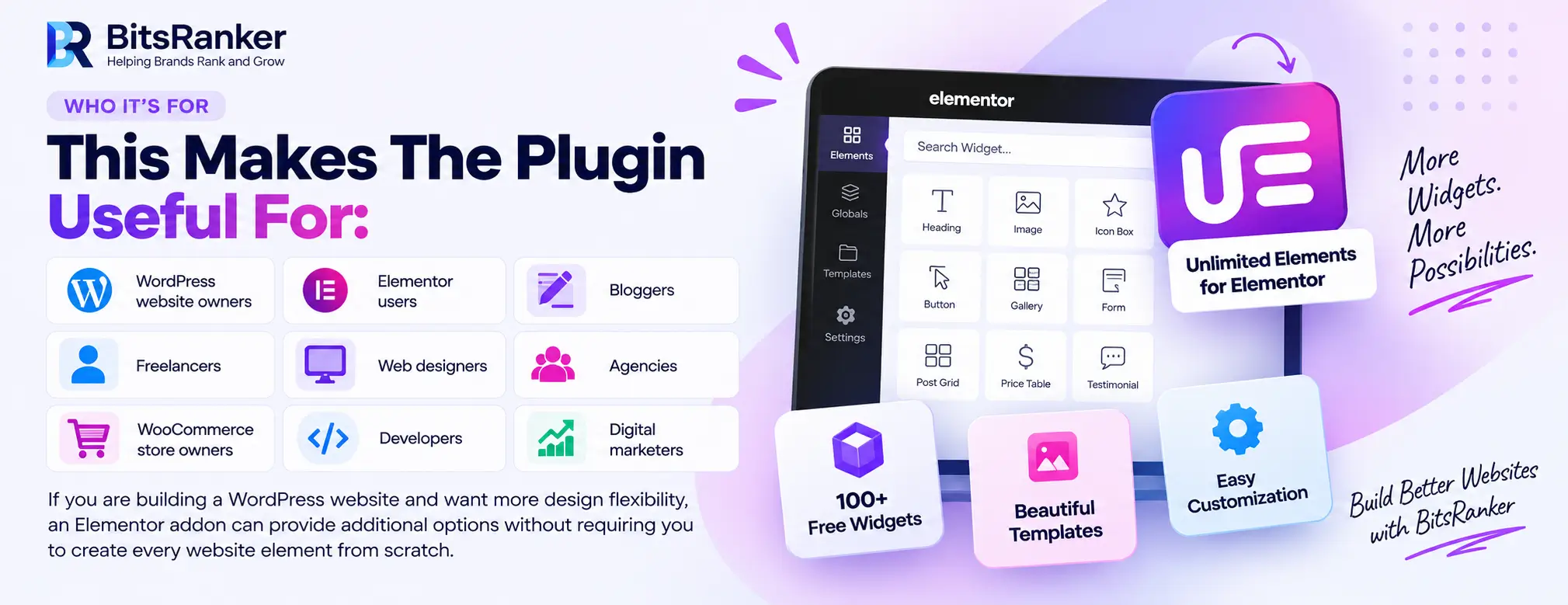
This makes the plugin useful for:
- WordPress website owners
- Elementor users
- Bloggers
- Freelancers
- Web designers
- Agencies
- WooCommerce store owners
- Developers
- Digital marketers
If you are building a WordPress website and want more design flexibility, an Elementor addon can provide additional options without requiring you to create every website element from scratch.
Unlimited Elements for Elementor Free Download
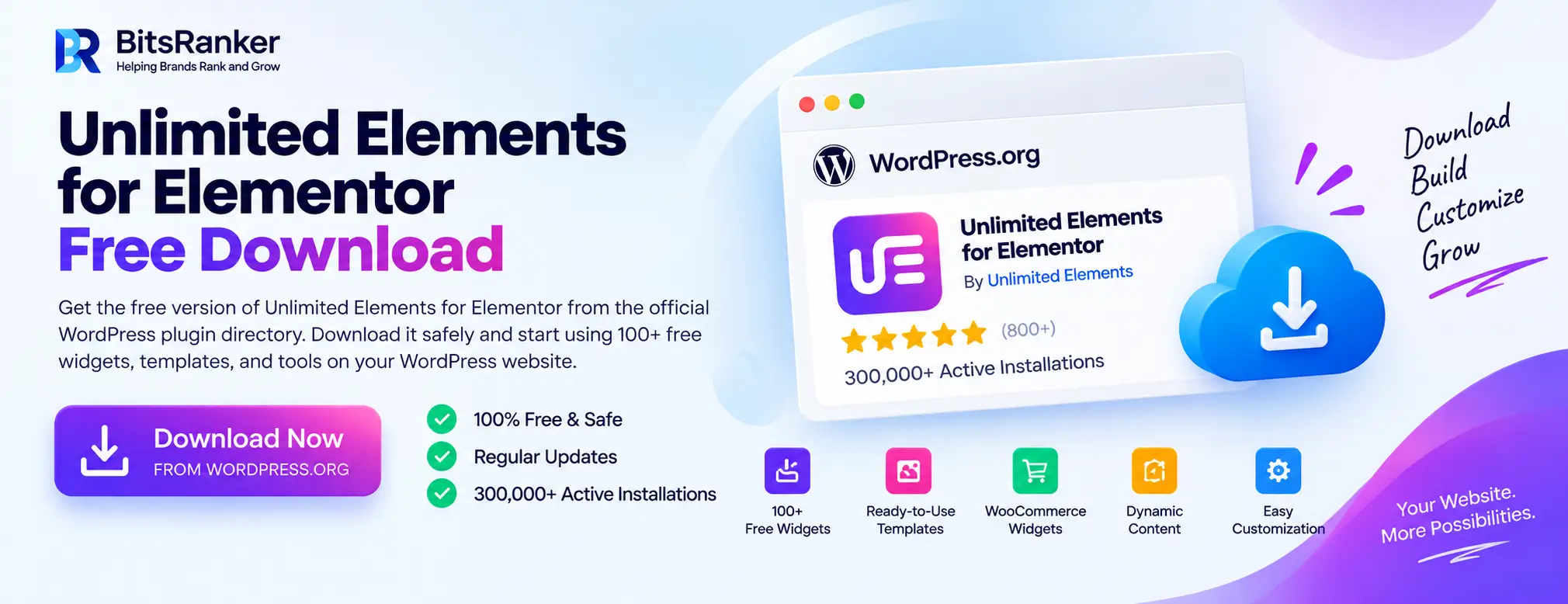
The free version of Unlimited Elements for Elementor is available through the official WordPress plugin directory.
You can download it directly from WordPress.org and install it through your WordPress dashboard.
Using the official WordPress repository is preferable to downloading modified or unofficial plugin files because you can check the plugin information, version, changelog, reviews, support information, and installation requirements in one place.
The WordPress.org listing currently shows 300,000+ active installations, demonstrating that the plugin has a substantial user base.
Unlimited Elements for Elementor Features
Unlimited Elements provides a collection of widgets and tools that can extend Elementor’s design capabilities.
The available functionality changes between the free and Pro versions, so you should check the current plugin information before choosing which version you need.
| Feature | Purpose |
|---|---|
| Elementor Widgets | Add additional design elements to Elementor |
| Widget Library | Browse and install different widgets |
| Templates | Start pages and sections from pre-designed layouts |
| Post Widgets | Display WordPress posts using different layouts |
| Media Widgets | Create galleries, sliders, and visual content |
| WooCommerce Widgets | Build customized ecommerce layouts |
| Dynamic Content | Create more flexible content-driven layouts |
| Widget Creator | Build custom Elementor widgets |
| Loop Builder | Create customized dynamic loop layouts |
| Form Features | Build and customize additional form layouts |
| Menu Widgets | Create customized navigation elements |
| Filter Widgets | Add filtering functionality to content |
| Search Widgets | Add enhanced search experiences |
The official Unlimited Elements website currently highlights its widget library, widget creator, templates, and dynamic loop builder as key features.
Unlimited Elements Widgets for Elementor
One of the main reasons people search for Unlimited Elements widgets is the large selection of additional elements available for Elementor.
The widget library includes different categories for content, posts, media, menus, creative layouts, WooCommerce, forms, and other website functions.
The official documentation currently lists widgets such as Post Grid, Simple Slider, Icon Tabs, AJAX Search, Flip Box, Content Slider, Weather, Fullscreen Menu, and other free or Pro widgets.
This means you can use different widgets depending on the type of website you are creating.
Popular Types of Unlimited Elements Widgets
Content Widgets
Content widgets can help you organize information into visually engaging layouts.
Examples include:
- Content Tabs
- Content Accordion
- Content Carousel
- Icon Tabs
- Flip Box
- Content Slider
These elements can be useful for service pages, product pages, FAQs, feature sections, and landing pages.
Post Widgets
If your website publishes blog posts or other WordPress content, post widgets can help you create customized layouts.
Examples include:
- Post Grid
- Post List
- Post Carousel
- Post Tabs
- Post Accordion
- Post Ticker
These widgets can be particularly useful for creating custom blog sections and content archives.
Media Widgets
Media elements can help you display visual content more effectively.
Depending on the available version and widget library, users can access different types of:
- Galleries
- Sliders
- Image layouts
- Image effects
- Media carousels
This can be useful for portfolio websites, photography websites, agencies, ecommerce stores, and business websites.
Unlimited Elements for WooCommerce
If you operate a WooCommerce store, additional Elementor widgets can make it easier to customize product-related layouts.
Unlimited Elements provides WooCommerce-related widgets and tools that can be used to create customized ecommerce experiences. The official documentation includes product-related widgets and advanced product query functionality among its available features.
WooCommerce widgets can be useful for displaying:
- Products
- Product grids
- Product lists
- Product carousels
- Product categories
- Product-related content
- Customized product layouts
The exact functionality available depends on the current version and whether you are using the free or Pro version.
Unlimited Elements Free vs Pro
One of the most common questions is whether you should use the free version or upgrade to Pro.
The free version provides access to a collection of widgets and tools, while the Pro version adds additional widgets and advanced functionality.
The official WordPress listing states that the Pro version provides access to 200+ additional unique drag-and-drop widgets, while the official developer website currently advertises a larger premium library and additional advanced features.
| Feature | Free | Pro |
|---|---|---|
| Elementor Widgets | Yes | Yes |
| Widget Library | Yes | Expanded |
| Templates | Available | Expanded |
| Additional Premium Widgets | Limited | Yes |
| Advanced Widgets | Limited | More options |
| Dynamic Features | Selected | Expanded |
| WooCommerce Features | Selected | Expanded |
| Widget Creator | Available | Advanced functionality |
| Loop Builder | Selected | Advanced functionality |
| Premium Features | No | Yes |
The exact feature availability can change as the plugin develops, so always check the official documentation before making a purchase decision.
Unlimited Elements for Elementor Templates
Templates can significantly speed up WordPress website development.
Instead of designing every section from an empty Elementor canvas, you can start with an existing layout and customize it according to your brand.
Unlimited Elements provides template-related functionality, including pre-built template kits through its official platform.
Templates can be useful for:
- Business websites
- Landing pages
- Agency websites
- Portfolio websites
- Service pages
- Blog pages
- Ecommerce websites
You can modify colors, typography, spacing, images, content, buttons, and other elements to create a design that matches your website.
Unlimited Elements Widget Creator
One of the more advanced features of Unlimited Elements is its Widget Creator functionality.
The official website describes the Widget Creator as a way to create custom Elementor widgets rather than relying entirely on pre-built elements.
This can be particularly useful for developers and agencies that need specialized components.
For example, a developer may need a custom:
- Pricing component
- Product layout
- Content display
- Interactive section
- Business card
- Dynamic content block
Instead of searching for a separate addon for every requirement, a custom widget can provide more control over the website’s functionality.
Dynamic Loop Builder
Dynamic content is important for websites that have large amounts of structured information.
Unlimited Elements provides a Dynamic Loop Builder that allows users to create Elementor templates for loop items and use them to display posts, listings, products, or other dynamic content.
This can be useful for:
- Blog archives
- Product listings
- Property websites
- Directory websites
- Portfolio websites
- Custom post types
A dynamic layout allows you to design the appearance once and reuse that design across multiple pieces of content.
How to Download Unlimited Elements for Elementor
Downloading the free version is straightforward.
Step One: Open the Official Plugin Page
Visit the official WordPress.org listing for Unlimited Elements.
Unlimited Elements for Elementor on WordPress.org
Step Two: Download the Plugin
Use the download option provided on the official WordPress plugin page.
Step Three: Open Your WordPress Dashboard
Log in to your WordPress website and open:
Plugins → Add New
Step Four: Upload the Plugin
If you downloaded the ZIP file, select:
Upload Plugin
Then choose the plugin ZIP file.
Step Five: Install and Activate
Click Install Now and activate the plugin after installation is completed.
Step Six: Open Elementor
Create or edit an Elementor page and look for the additional Unlimited Elements widgets available in your Elementor panel.
How to Install Unlimited Elements for Elementor
You can install Unlimited Elements through the WordPress plugin directory or by uploading the official ZIP file.
WordPress Dashboard Installation
- Log in to WordPress.
- Go to Plugins.
- Select Add New.
- Search for Unlimited Elements for Elementor.
- Select the official plugin.
- Click Install Now.
- Activate the plugin.
- Open Elementor.
- Search the Elementor widget panel for the newly available elements.
ZIP Installation
If you already downloaded the official ZIP file:
- Go to Plugins → Add New.
- Click Upload Plugin.
- Select the ZIP file.
- Click Install Now.
- Activate the plugin.
- Open Elementor and check the widget library.
The official documentation also provides installation guidance for the Pro version.
Is Unlimited Elements Compatible With Elementor?
Yes. Unlimited Elements is specifically developed as an addon for Elementor.
The official WordPress.org listing categorizes it as an Elementor addon and identifies it as a collection of widgets, templates, and tools designed to extend the Elementor page builder.
Before installing the plugin, check the current WordPress and Elementor requirements shown on the official plugin page.
Plugin requirements can change over time as WordPress, Elementor, PHP, and the addon itself receive updates.
Is Unlimited Elements Safe?
Plugin safety depends on several factors, including where you obtain the plugin, whether you keep it updated, and whether the plugin is modified.
Unlimited Elements has an official listing on WordPress.org, where users can view its current version, active installations, reviews, support information, changelog, and requirements.
For security, download the plugin from an official or trusted source rather than using modified or nulled plugin files.
Avoid Nulled Unlimited Elements Downloads
When searching for Unlimited Elements free download, you may find websites offering modified or nulled versions.
These unofficial versions can introduce unnecessary security risks.
Potential problems include:
- Malicious code
- Backdoors
- Unauthorized scripts
- Modified plugin files
- Security vulnerabilities
- Compatibility problems
- Missing updates
For this reason, use the official WordPress.org download source whenever you want the free version.
Download the Official Unlimited Elements Plugin
Unlimited Elements for Elementor for Website Designers
Website designers can use additional Elementor widgets to create more flexible layouts without developing every component manually.
For example, a designer working on a business website may need:
- Feature cards
- Testimonials
- Content sliders
- Post grids
- Image galleries
- Pricing layouts
- Interactive tabs
- Animated elements
Having multiple widgets available inside Elementor can speed up the design process and provide more options when creating custom pages.
For businesses that need a complete WordPress website, you can also explore BitsRanker’s WordPress development services.
Unlimited Elements for Elementor for Bloggers
Bloggers can use Elementor widgets to create more engaging content layouts.
For example, you can use post widgets to display:
- Recent posts
- Featured posts
- Related articles
- Category content
- Blog grids
- Post carousels
This can make a content-heavy website easier to navigate.
If you are also working on SEO content, you can use the BitsRanker SEO Word Counter to check word count, keyword density, reading time, sentences, and paragraphs before publishing.
Unlimited Elements for Elementor for Agencies
Digital agencies often manage multiple WordPress websites and need reusable design systems.
Unlimited Elements can provide additional widgets and templates that agencies can use while building websites for different clients.
Agencies may use Elementor addons for:
- Landing pages
- Service websites
- Ecommerce stores
- Portfolio websites
- Lead generation pages
- Blog layouts
- Dynamic content
The actual benefit depends on the project’s requirements and the widgets being used.
Does Unlimited Elements Replace Elementor?
No.
Unlimited Elements is an addon for Elementor, not a replacement for Elementor itself.
Think of the relationship like this:
WordPress → Elementor → Unlimited Elements
WordPress provides the content management system.
Elementor provides the visual page-building environment.
Unlimited Elements extends Elementor with additional widgets and functionality.
This means you generally need Elementor as the page builder environment before using Elementor-specific Unlimited Elements widgets.
Unlimited Elements vs Elementor Pro
Unlimited Elements and Elementor Pro are not the same product.
Elementor Pro is the premium offering from Elementor, while Unlimited Elements is a third-party addon designed to extend Elementor.
The right option depends on the features you need.
| Consideration | Unlimited Elements | Elementor Pro |
|---|---|---|
| Product Type | Elementor addon | Elementor’s premium product |
| Additional Widgets | Yes | Yes |
| Templates | Yes | Yes |
| Dynamic Features | Yes | Yes |
| WooCommerce Features | Available | Available |
| Widget Library | Large | Large |
| Developer | Unlimited Elements | Elementor |
| Pricing Model | Separate product | Separate product |
Rather than choosing based only on the number of widgets, compare the specific functionality, support, compatibility, update policy, and features your website requires.
How to Choose the Right Elementor Addon
There are many Elementor addons available, so the number of widgets should not be the only deciding factor.
Consider these areas before installing an addon:
Widget Quality
Check whether the widgets actually solve your design requirements.
Website Performance
Avoid installing unnecessary widgets and addons that your website does not need.
Compatibility
Check compatibility with your WordPress, Elementor, theme, WooCommerce, and other important plugins.
Updates
Use plugins that receive appropriate maintenance and updates.
Support
Check what type of support is available if you encounter technical problems.
Security
Download plugins from official or trusted sources and avoid nulled copies.
Does Unlimited Elements Affect Website Speed?
Any WordPress plugin can potentially affect website performance depending on what it loads and how it is configured.
The number of plugins is not the only factor that determines website speed. Hosting, images, scripts, theme configuration, caching, database performance, and other factors can also affect performance.
To maintain a fast website:
- Only use widgets you actually need
- Optimize images
- Use reliable hosting
- Keep WordPress updated
- Keep plugins updated
- Remove unused plugins
- Use caching where appropriate
- Monitor website performance
If your website needs broader search optimization, explore BitsRanker’s SEO Services for technical SEO, on-page optimization, content optimization, and other SEO work.
Unlimited Elements for Elementor and SEO
An Elementor addon does not automatically make a website rank higher in Google.
SEO depends on multiple factors, including:
- Search intent
- Content quality
- Technical SEO
- Website performance
- Internal linking
- Page structure
- Mobile usability
- Backlinks
- Competition
However, additional Elementor widgets can help you create better page structures and user experiences when they are used appropriately.
For example, well-designed content sections can make information easier to navigate, while properly structured headings and content can help users understand a page.
You can also use the SEO Word Counter to analyze your content before publishing.
Unlimited Elements for Elementor Updates
Keeping your WordPress plugins updated is an important part of website maintenance.
The official WordPress.org listing provides the plugin’s current version and changelog information, including recent fixes and improvements.
Before performing significant updates on a production website, maintaining a recent backup is a sensible precaution.
You should also test important pages after major plugin or WordPress updates, especially if your website uses multiple Elementor addons.
FAQs
Frequently Asked Questions
What Is Unlimited Elements for Elementor?
Unlimited Elements for Elementor is a WordPress addon that extends Elementor with additional widgets, templates, tools, and other website-building functionality.
Is Unlimited Elements for Elementor Free?
Yes. A free version is available through the official WordPress.org plugin directory. Additional functionality is available through the Pro version.
How Many Widgets Does Unlimited Elements Have?
The official WordPress.org listing currently describes the free plugin as offering 100+ widgets, templates, and tools, while the Pro version provides 200+ additional unique drag-and-drop widgets.
Does Unlimited Elements Work With Elementor?
Yes. Unlimited Elements is specifically designed as an Elementor addon and extends the Elementor page-building environment.
Does Unlimited Elements Work With WooCommerce?
Yes. Unlimited Elements provides WooCommerce-related widgets and functionality for creating customized ecommerce layouts.
Is Unlimited Elements Safe?
Download the plugin from an official or trusted source and keep it updated. Avoid nulled or modified copies from unofficial websites.
Does Unlimited Elements Replace Elementor?
No. Unlimited Elements is an addon that extends Elementor rather than replacing the Elementor page builder.
Can I Use Unlimited Elements for Client Websites?
You should review the current licensing terms for the version and features you intend to use, particularly if you are working on multiple client websites.
Does Unlimited Elements Have Templates?
Yes. Unlimited Elements provides template functionality and template kits through its official platform.
What Is the Difference Between Unlimited Elements and Elementor Pro?
Unlimited Elements is a third-party addon for Elementor, while Elementor Pro is Elementor’s own premium product. Their features, licensing, support, and pricing are different.
Can Unlimited Elements Improve SEO?
An Elementor addon does not directly guarantee better rankings. It can provide design and content-building features, while SEO depends on factors such as content quality, technical optimization, performance, relevance, and authority.